
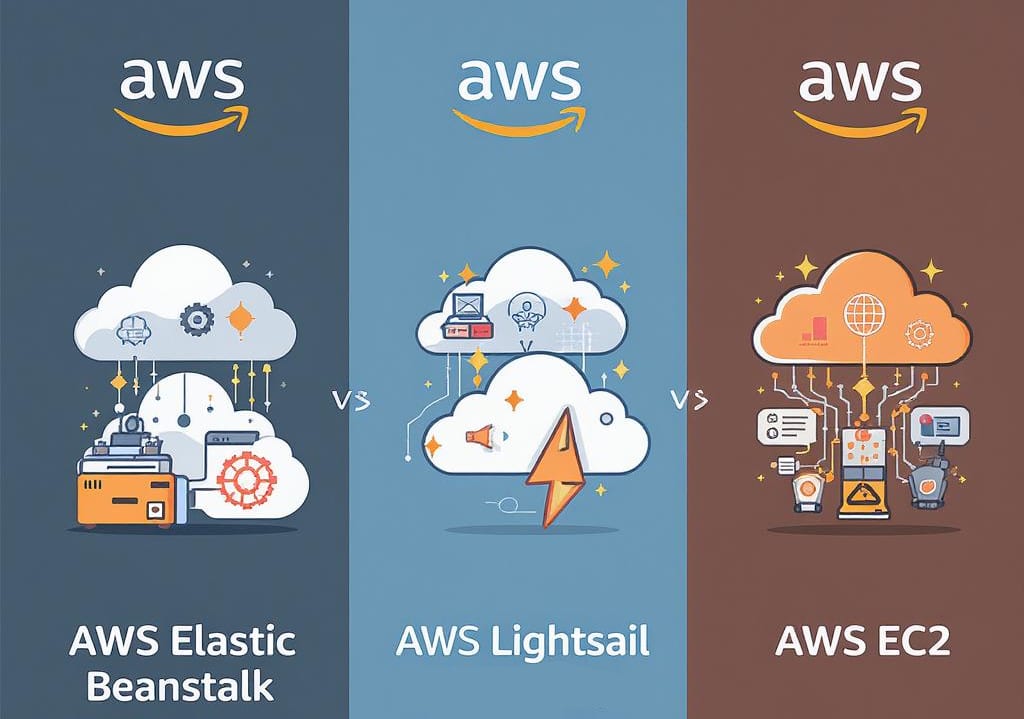
Three ways to run a workload on AWS
Three AWS services solve roughly the same problem: get your code running on a server somewhere. They sit at very different points on the control-versus-convenience curve, and picking the wrong one costs you either time or money. Elastic Beanstalk hides the infrastructure. Lightsail flattens the pricing into something you can predict on a napkin. EC2 hands you the raw machine and gets out of the way.
Here is how they actually differ, and how to choose without overthinking it.
What each service is
AWS Elastic Beanstalk
Elastic Beanstalk deploys and scales web applications without making you wire up the infrastructure yourself. You push your code, and it provisions capacity, configures load balancing, sets up Auto Scaling, and monitors application health. It supports Java, .NET, PHP, Node.js, Python, Ruby, and Docker.
The trade is straightforward. You give up direct control over the underlying resources, and in return you skip most of the setup work. If your team wants to ship application code and not babysit an ALB and Auto Scaling group, this is the path. Under the hood it is still EC2, ELB, and CloudWatch, just assembled for you.
AWS Lightsail
Lightsail is the simplest way to launch a virtual private server on AWS. It bundles a VM, SSD storage, data transfer, and a static IP into a fixed monthly price, so you know the bill before you spin anything up. That predictability is the whole point.
It fits smaller applications, side projects, and anyone who wants a server running in a few minutes without learning the broader AWS console. You can still connect to other AWS resources when you outgrow the basics, so it is not a dead end, just a deliberately narrow on-ramp.
AWS EC2
EC2 (Elastic Compute Cloud) is resizable compute in the cloud, and it is the foundation most of the rest of AWS is built on. You choose the instance type, the configuration, and the operating system. Nothing is decided for you, which is exactly why people reach for it.
EC2 is where you land when you need to handle variable or heavy workloads: high-performance applications, big data jobs, anything resource-intensive with specific requirements. The flexibility is real, and so is the responsibility. You own the sizing, the patching, and the cost.
Pros and cons
AWS Elastic Beanstalk
Pros:
- Deployment, scaling, and health monitoring handled for you.
- Auto Scaling and CloudWatch monitoring out of the box.
- Integrates cleanly with development tools and other AWS services.
Cons:
- Limited control over the underlying resources.
- Costs can creep up when the managed setup is not tuned.
- May not fit specific custom needs or legacy systems.
AWS Lightsail
Pros:
- Predictable, low pricing for small workloads.
- Simple interface and management.
- Connects to core AWS features without the full learning curve.
Cons:
- Limited scalability and flexibility compared to EC2.
- Not built for enterprise workloads with complex requirements.
- Fewer customization options and narrower AWS service integration.
AWS EC2
Pros:
- Full control over compute resources.
- A wide range of instance types and configurations.
- Scales to handle growing and spiky workloads.
Cons:
- Demands more management effort and AWS expertise.
- Pricing has many moving parts.
- Easy to overprovision and waste money if nobody is watching it.
When to use each
The right service comes down to what your project actually needs:
- Elastic Beanstalk: best when developers want to focus on application code and skip the infrastructure setup, the test instances, and the environment plumbing.
- Lightsail: a solid choice for small businesses or personal projects that need basic compute and storage without a wider cloud footprint.
- EC2: the option for teams that need full control over their server environments and have to handle complex, dynamic workloads.
Head to head
Where each service wins, and where it does not:
- Performance: EC2 gives you the most, since you pick the instance. Elastic Beanstalk runs on EC2 but adds a management layer. Lightsail targets lighter workloads.
- Cost: Lightsail is the most predictable and usually the cheapest at small scale. EC2 swings widely depending on configuration and how well you size it.
- Ease of use: Lightsail and Elastic Beanstalk are friendlier out of the box. EC2 expects you to understand configuration and ongoing management.
- Scalability: EC2 scales the furthest. Lightsail caps out sooner.
- Who it is for: Elastic Beanstalk suits developers and teams that want fast deployment. Lightsail suits small business owners and people newer to AWS. EC2 suits teams with complex requirements and the expertise to run them.
Where a managed service provider fits
Picking the right service is the easy part. Running it well over time is where most of the cost and risk lives, and that is where an AWS Managed Service Provider (MSP) earns its keep:
- Knowing which service fits a given workload, and when to move off it.
- Building setups around specific requirements instead of generic defaults.
- Handling the day-to-day operations so your team works on the product.
- Tightening cost: right-sizing instances, catching idle resources, applying savings plans.
A good MSP keeps your AWS spend tied to what you actually use and takes the operational load off your engineers.
The choice between Elastic Beanstalk, Lightsail, and EC2 is a trade between ease of use, cost, and control. Start by matching each service to what your workload genuinely needs, not to what sounds impressive. From there, the operational details are what make or break the bill, and that is the part worth getting right.
If you want a second opinion on which fits your stack, or someone to run it once it is live, explore our AWS Managed Cloud Services or contact us.